

The challenges we face are significant and urgent. When your team in Manila finishes their workday, the London office is just starting their morning routine. Cultural differences play a role in how feedback is given and received. With remote work, those casual conversations at desks that used to resolve issues in an instant are no longer possible.
The top communication tools for managing global support teams directly tackle these problems. They facilitate remote collaboration that feels effortless rather than forced. What you need are integrated platforms that combine messaging and video calls, cloud-based systems for sharing documents, project management software that ensures accountability across different time zones, and AI-powered solutions that capture every detail from virtual meetings.
Selecting the right combination of tools is not about using every new tool available. Instead, it requires careful choices that genuinely improve how your distributed team communicates, works together, and provides outstanding customer service on a global scale.
 Emily Carter
1. Unified Communication and Collaboration Platforms
Microsoft Teams, Slack, and Zoom have become essential tools for support teams worldwide. They bring together various communication channels into one powerful platform, making it easier for teams to collaborate.
These tools eliminate the need to switch between different applications for different tasks, creating a centralized workspace where your team can handle everything from quick messages to complex project discussions.
Integration Capabilities
The integration capabilities of these platforms transform how distributed teams operate. You can:
- Start a conversation in a chat thread
- Escalate it to a video call with screen sharing
- Collaborate on documents simultaneously
- Track project milestones—all without leaving the platform
Real-time collaboration features like live document editing, instant messaging, and video conferencing keep your team connected regardless of physical location.
Features of Each Platform
Each platform has its own strengths:
- Slack excels at organizing conversations through channels, allowing you to create dedicated spaces for specific projects, departments, or topics.
- Microsoft Teams seamlessly integrates with the Office 365 ecosystem, making it ideal if your organization already relies on Microsoft products.
- Zoom has become synonymous with video conferencing, offering reliable connections and features like breakout rooms for smaller group discussions.
Impact on Productivity
The reduction of context switching directly impacts productivity. When your team members don't need to check five different applications to find information or communicate with colleagues, they spend more time solving customer issues and less time searching for answers.
Information silos disappear when everyone accesses the same centralized knowledge base, conversation history, and shared files.
2. Cloud-Based Document Collaboration Tools
When your support team is spread across different continents, it's important to have documentation that everyone can access and edit at the same time. Google Workspace, Microsoft 365, and Notion have changed the way global teams create and improve content together.
Real-Time Editing
With real-time co-authoring, there's no need to send multiple versions of documents back and forth via email. Instead, you can see your colleague in Singapore making changes to a support procedure while you make updates to the troubleshooting section from New York. The changes happen instantly, eliminating the hassle of merging conflicting versions later on.
- Google Workspace excels at simplicity—you share a link, and team members jump in to contribute.
- Microsoft 365 offers deeper integration with enterprise systems and robust permissions management.
- Notion combines documents with databases, creating living knowledge bases where your team can link related procedures, track updates, and organize information hierarchically.
Asynchronous Feedback
The commenting features in these platforms support asynchronous collaboration beautifully. Your team member in Tokyo can leave questions on specific paragraphs, and someone in London responds hours later without scheduling a meeting. Version history acts as your safety net—you can review who changed what and restore previous versions if needed.
Always Up-to-Date
These tools also reduce the mental overhead of managing document access. Cloud-based storage means your team always works from the latest version, and you never worry about someone referencing outdated information during customer interactions.
 Emily Carter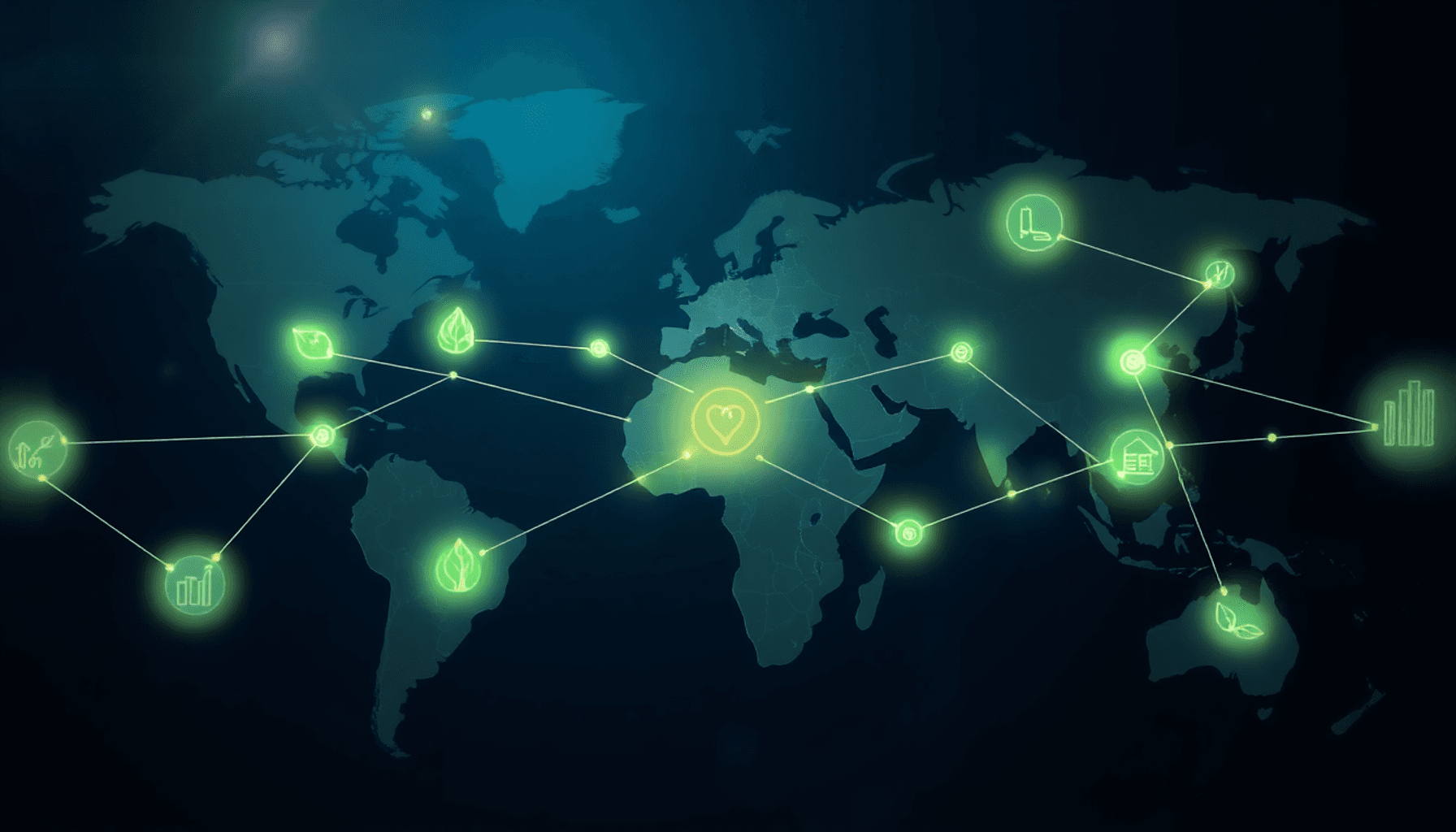
3. Project Management Software for Global Teams
When you're managing support teams scattered across continents, project management software becomes your central nervous system for coordinating work. Asana, Trello, Jira, and Workfront stand out as the best communication tools for managing global support teams because they transform chaos into clarity.
These platforms give you complete visibility into who's working on what, when tasks are due, and how projects are progressing. You can see at a glance whether your team in Singapore has completed their deliverables before your London team starts their workday. This transparency eliminates the guesswork that typically plagues distributed teams.
Key Benefits of Project Management Software
Here's how project management software can benefit global teams:
- Deadline monitoring: You'll receive automated reminders about approaching deadlines, and team members can't hide behind "I didn't know it was due" excuses. The visual nature of these platforms—whether it's Trello's kanban boards, Asana's timeline views, or Jira's sprint planning—makes it impossible for tasks to slip through the cracks.
- Task dependencies: You can set up workflows where one team's completion automatically notifies the next team in line, creating a seamless handoff across time zones. This feature alone has saved countless hours of manual status updates and follow-up messages.
- Centralized communication: The commenting and tagging features within these platforms keep all project-related discussions attached to specific tasks, creating a searchable history that new team members can reference when they join projects mid-stream.
By leveraging these features, global teams can enhance accountability, streamline handoffs, and improve collaboration across different locations.
4. AI-Powered Transcription and Note-Taking Solutions
When you're managing support teams across multiple continents, capturing accurate meeting notes becomes challenging. You've probably experienced that moment when someone asks "What did we decide about that escalation process?" and nobody has clear documentation. Otter.ai and similar AI-powered tools solve this problem by automatically recording, transcribing, and organizing your conversations.
Meeting transcription tools eliminate the need for someone to frantically type notes while trying to participate in discussions. You get word-for-word records of what was said, who said it, and when. This precision matters when you're dealing with technical support procedures, customer escalation protocols, or compliance requirements where details can't be fuzzy.
The real value shows up in three specific ways:
- Action item extraction: AI identifies tasks, deadlines, and assignments automatically, so nothing slips through the cracks
- Searchable archives: You can search past meetings for specific topics, customer names, or technical issues without rewatching hours of recordings
- Asynchronous access: Team members in different time zones can review meeting highlights and key decisions without attending live
I've found these tools particularly useful for training new support team members. They can review actual customer scenarios and team discussions at their own pace, catching nuances that written documentation often misses. The transcripts become a knowledge base that grows with every conversation, reducing the risk of miscommunication when critical information needs to travel across your global team.
 Emily Carter
5. Simple Team Management Templates and Trackers
You don't always need sophisticated software to manage your global support team effectively. Shared templates and spreadsheets often provide the foundation for consistent communication and streamlined workflows.
The Power of Standardized Templates
Standardized templates create a common language across your distributed team. When everyone uses the same format for status updates, incident reports, or handoff documentation, you eliminate confusion and reduce the mental load on team members who work across different shifts. I've seen teams cut their onboarding time in half simply by implementing consistent templates for recurring tasks.
The Accessibility of Spreadsheets
Spreadsheets serve as accessible tracking tools that require minimal training. You can use them to:
- Monitor ticket escalations across time zones
- Track team availability and shift schedules
- Document recurring issues and their resolutions
- Maintain knowledge base article inventories
These simple tools improve learning retention because team members can quickly reference past decisions and solutions. A well-organized shared spreadsheet becomes your team's institutional memory, especially valuable when supporting customers around the clock.
The Flexibility of Templates
The beauty of templates lies in their flexibility. You can customize them to match your team's specific needs while maintaining the structure that ensures nothing falls through the cracks. They save time on repetitive tasks and let your team focus on solving complex customer problems rather than figuring out how to document their work.
6. Integrations and Workflow Automation for Efficiency
Your global support team shouldn't waste time copying data between platforms or manually sending status updates. Zapier and Microsoft Power Automate solve this problem by connecting your communication tools with project management software, CRM systems, and documentation platforms.
These automation platforms create "workflows" that trigger actions across different applications. When a customer submits a high-priority ticket in your help desk system, you can automatically create a Slack notification in your team channel, add a task to Asana, and update a shared spreadsheet—all without human intervention. This eliminates the risk of forgotten notifications and ensures your team responds quickly regardless of their location.
Microsoft Power Automate integrates seamlessly with Microsoft 365 applications, making it ideal if you're already using Teams, SharePoint, or Outlook. You can automate meeting follow-ups, sync calendar events across time zones, or trigger approval workflows for documentation updates.
Zapier offers broader compatibility with over 5,000 applications, including specialized support tools like Zendesk, Intercom, and Help Scout. You can build multi-step workflows that route customer inquiries to the right team member based on language, region, or expertise.
The Best Communication Tools for Managing Global Support Teams become exponentially more powerful when connected through automation. You reduce manual data entry, minimize human error, and free your team to focus on complex problem-solving rather than administrative tasks.
Best Practices for Using Communication Tools Effectively
The Best Communication Tools for Managing Global Support Teams deliver value only when you implement them strategically. You need clear communication guidelines that define which channels serve specific purposes—urgent issues go to instant messaging, project updates belong in management software, and detailed discussions happen via email or documentation platforms.
Setting response time expectations prevents frustration across time zones. You should establish when team members need to reply immediately versus when asynchronous communication works better. Document these standards in an accessible location so everyone understands the protocols.
Encourage your team to embrace asynchronous workflows by recording video updates, leaving detailed comments on shared documents, and using threaded conversations. This approach respects different working hours while maintaining productivity and ensuring no one feels excluded from important decisions.
FAQs (Frequently Asked Questions)
Why is effective communication crucial for managing global support teams ?
Effective communication is essential for managing global support teams because it helps overcome challenges posed by time zones, cultural differences, and remote work, ensuring seamless collaboration and high team performance.
What are unified communication and collaboration platforms, and how do they benefit global support teams ?
Unified communication and collaboration platforms like Microsoft Teams, Slack, and Zoom integrate messaging, video calls, file sharing, and project management into one solution. They reduce context switching and information silos, enabling real-time collaboration among dispersed team members.
How do cloud-based document collaboration tools enhance teamwork across different locations ?
Cloud-based document collaboration tools such as Google Workspace, Microsoft 365, and Notion allow real-time co-authoring, commenting, and version tracking. These features support asynchronous work and improve coordination among global support teams.
What role does project management software play in managing global support teams effectively ?
Project management software like Asana, Trello, Jira, and Workfront provides visibility into project timelines and task assignments for dispersed teams. It helps maintain accountability through deadline monitoring and streamlines task management across locations.
How can AI-powered transcription and note-taking solutions improve communication in remote meetings ?
AI-powered tools such as Otter.ai automate meeting transcription and note-taking, reducing the risk of miscommunication by providing accurate records of discussions. This enhances clarity and follow-up actions within global support teams.
What are best practices for using communication tools effectively in global support teams ?
Best practices include establishing clear communication guidelines, defining response time expectations, utilizing asynchronous communication methods when appropriate, and standardizing templates to ensure consistency in team interactions.


